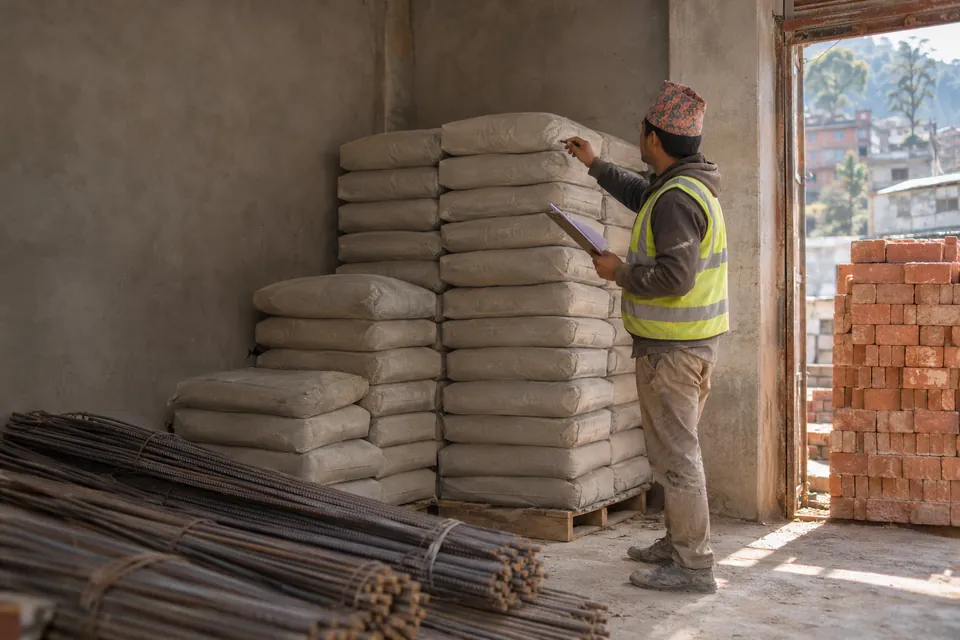
Materials & store
Construction inventory management software for sites in Nepal
NepalConstruct tracks cement, rebar, sand and brick from the site's request through the purchase order, goods received note, issue and return. Its stock ledger keeps every entry at weighted average value, the BOQ sets a material budget with a wastage allowance, and a daily stock check from the phone flags any gap for review.
- Web app
- Site phone app
- Nepali and English
- Who uses it
- Store keepers, PMs, site engineersOwners see the budget and the gaps
- The chain
- Request to returnRequest, PO, GRN, issue, return
- Stock value
- Weighted average costEvery entry kept, none deleted
- On the phone
- Requests and stock checksStock checks save without signal
What does the material management module do?
It is material management software for construction sites. It does the work of the store register, the pile of delivery slips and the month-end sheet that tries to match them. Every movement of stock is an entry, so gaps show while the work is still going on.
- Chain
- Request, PO, GRN, issue, return
- Recorded on
- Web app; requests from the phone too
From material request to goods received
The site raises a material request and the project manager approves it. Over the BOQ budget, procurement approves too, and above an amount your firm sets the raiser's senior manager signs (the owner, if there is none). A purchase order goes to the supplier, and the goods received note records what arrived. Issues to the work and returns from it are recorded the same way, so every load has a trail.
- Request, PO, GRN, issue and return in one chain
- Whoever raised a request can never approve it
- Requests from the phone; GRNs and issues on the web
Weighted average Rs 840.00 a bag after GRN-0041, so the 38 bags left are worth Rs 31,920. Sample data.
A stock ledger that keeps every entry
Every receipt, issue, return and transfer is a new line in the stock ledger. Lines are never edited or deleted: a mistake is fixed with a correcting entry, so the history stays whole. Stock is valued at weighted average cost, and you can see what is left in each store.
- Valued at weighted average cost
- A head office store that sends stock to sites
- Transfers record what arrived short or damaged
Cement budget in bags, Bharatpur office block
2,000
- Issued so far
- 1,300
- Left from the BOQ take-off
- 600
- Wastage allowance
- 100
Expected use for the work reported so far1,240
60 bags more issued than the reported work needs, so it is flagged. Sample data.
A material budget from the BOQ, checked against use
The BOQ take-off sets how much cement, rebar, sand and brick each project should need, plus the wastage allowance your firm sets. Each material shows green, amber or red against its budget. Expected use for the work in the daily reports is compared with what the store issued, and any gap is flagged.
- Rebar tracked per bar size from the bar bending schedule
- Expected use against actual issues, gaps flagged
- Wastage allowance from a dated firm setting
Daily stock check, Bharatpur site store
- Cement38 bags, matches the book
- Bricks4,800 nos, matches the book
- Aggregate 20 mm, pile12.0 m3, matches the book
- Sand, pile18.0 m3 measured, book 19.5 m3
- Photo and video proof4 photos, 1 video
Sand 1.5 m3 short: sent for review
Saved on the phone without signal, sent when it returned
A daily stock check from the phone
Each day the site counts what is left, or measures a sand or aggregate pile in metres or feet, and adds live photos and a short video. The check compares the count with the book and flags any gap for review. It saves on the phone without signal and sends later.
- Counts, and pile measures in metres or feet
- Live photos and a short video as proof
- A gap changes stock only after a second person approves it
How is it different from a stock book and Excel?
The same site store, kept two ways.
| Topic | Stock book and ExcelWritten and totalled by hand | NepalConstructEach movement is a ledger entry |
|---|---|---|
| Corrections | A line is crossed out or a cell typed over | A new correcting entry; the old line stays |
| Stock value | Worked out by hand at month end | Weighted average value on every entry |
| BOQ budget | The BOQ quantity sits in a separate file | Each material checked against its BOQ budget, with wastage |
| Reconciliation | A month-end sheet made by hand | Expected and actual use compared, gaps flagged |
| Stock count | Counted on paper, photos sent on WhatsApp | Counted on the phone with photo and video proof, even without signal |
| Approval | A signature on the request slip | Approved by the project manager, never by the person who asked |
How does material move, from request to count?
Five steps, and each one leaves a record.
- 01
Raise the request
The site team asks for material for the project, from the web or the phone.
- 02
Get it approved
The project manager approves it. Over the BOQ budget procurement approves too, and above the amount your firm sets a senior manager signs. Whoever raised it cannot approve it.
- 03
Order and receive
A purchase order goes to the supplier, or the head office store sends stock. When the load arrives, what came in is recorded.
- 04
Issue and take back
The store issues material to the work and takes back what is not used. Each movement is a new ledger entry.
- 05
Count and reconcile
The daily stock check compares what is on site with the book, and expected use is compared with what was issued. Gaps go for review.
Where does the store sit in the whole job?
The store sits between the daily site report and the measurement book. Its budget comes from the BOQ in the estimate, and the work in each daily report sets the expected use it is checked against.
Win the work
- EstimateBOQ ready
- TenderBid submitted
- ContractContract signed
Run the site
- Daily site reportDPR filed
- Materials & storeStock reconciled
Get paid
- Measurement bookMB certified
- Running billIPC ready to certify
- Ledger & reportsBooks balanced
Which store rules does it hold to?
The checks a careful store keeper makes by habit are built into every entry.

Maker is never checker
Whoever raised a request, or edited it, can never approve it.
Approval by amount
The project manager approves; over the BOQ budget procurement signs too, and above your firm's amount a senior manager (or the owner, if there is none).
Entries are permanent
Stock entries cannot be edited or deleted; corrections are new entries.
Weighted average value
Issues and transfers between stores carry the weighted average cost.
The receiver confirms arrival
The store that receives a transfer confirms it, with anything short or damaged; the sender cannot.
Wastage as a dated setting
The wastage allowance comes from a firm setting with an effective date, not a typed number.
Guide: Cement and rebar reconciliation
Who keeps the store running?
The engineer counts, the store keeper records, the manager approves.

Store keeper
Records goods received, issues and returns on the web, and sees stock and goods in transit on the phone.
See the role pageProject manager
Approves material requests and watches each material against its BOQ budget.
See the role pageSite engineer
Raises requests from the phone and does the daily stock check with photos.
See the role page
Questions people ask
Short answers, about what is built today.
01What is construction inventory management software?
It is software that keeps a construction firm's site stores on record: what was ordered, received, issued to the work and returned, and what each item is worth. NepalConstruct does this from the site's request through the purchase order and goods received note, and checks each material against its BOQ budget.
02Can store keepers record GRNs and issues on the phone?
Not yet. Goods received notes, issues and returns are recorded in the web app today. On the phone, the site raises material requests, sees stock and goods in transit, and does the daily stock check, which also works without signal.
03How does cement and rebar reconciliation work?
The work recorded in the daily reports, multiplied by the norm for each item, gives the material that should have been used. That is compared with what the store actually issued, and any gap is flagged. The budget from the BOQ also shows how much of each material is left.
04Does it track rebar per bar size?
Yes. Rebar is tracked per bar size, and the bar bending schedule (BBS) gives what each size should need. A shortage of 12 mm bars cannot hide inside a steel total that looks fine.
05Does a phone count change the stock by itself?
No. A count or pile measure from the phone is compared with the book, and any gap goes for review. The stock changes only after a second person approves it, so whoever counted cannot also approve the change.
06How is stock valued?
At weighted average cost. Each receipt updates the average rate, and issues and transfers between stores carry that value. Entries are never edited or deleted: a mistake is fixed with a new correcting entry, so the ledger always shows the full history.
07Can head office buy in bulk and send stock to sites?
Yes. The head office store holds company stock that belongs to no project. When it sends a load to a site, the receiving store records what arrived and anything short or damaged, and the sender cannot confirm the arrival on its behalf.
08Is the phone app on Google Play or the App Store?
Not yet. The site phone app is built for Android and iOS, but it is not listed in Google Play or the App Store yet. The web app works today in the browser on a computer or a phone.
We answer against how your firm works.
Ask us