Catch the leakage
A BOQ material budget, expected vs actual use and cost vs budget flag losses early.
One system for the whole contract
From the owner to the site engineer
Learn the work, check the rules

Built forNepali contractors
NepalConstruct is construction management software for Nepali contractors. Estimates and BOQ, bids, daily site reports, the measurement book, running bills with VAT, TDS and retention, the store and SSF payroll all run in one system, in Nepali or English, with Bikram Sambat dates.
Every module works from the same data, from the estimate to payroll.
Both work from the same data, so the owner, the accountant and the site engineer always see the same figures.
For owners, project managers, QS and accounts. Each firm's data is kept apart.
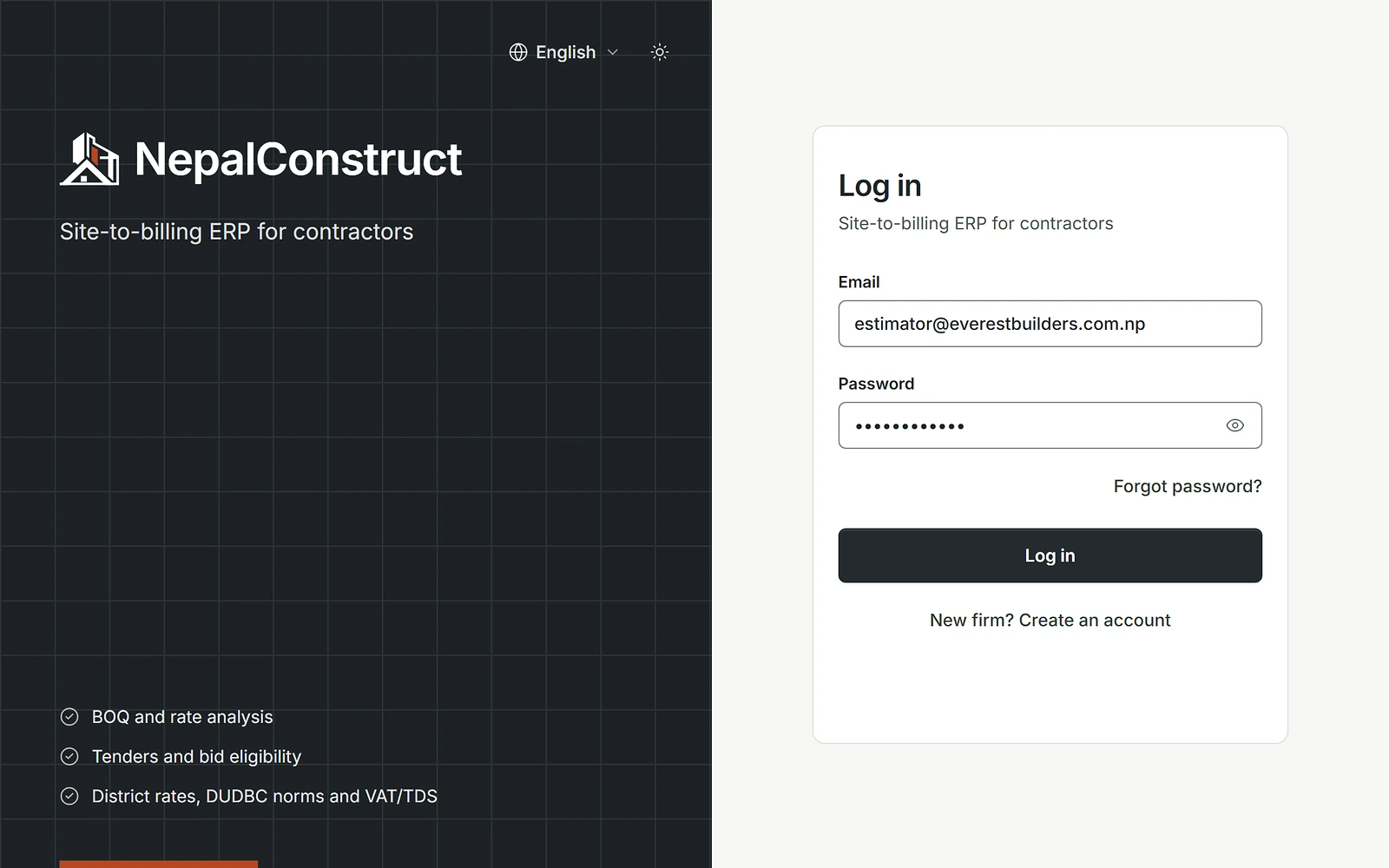
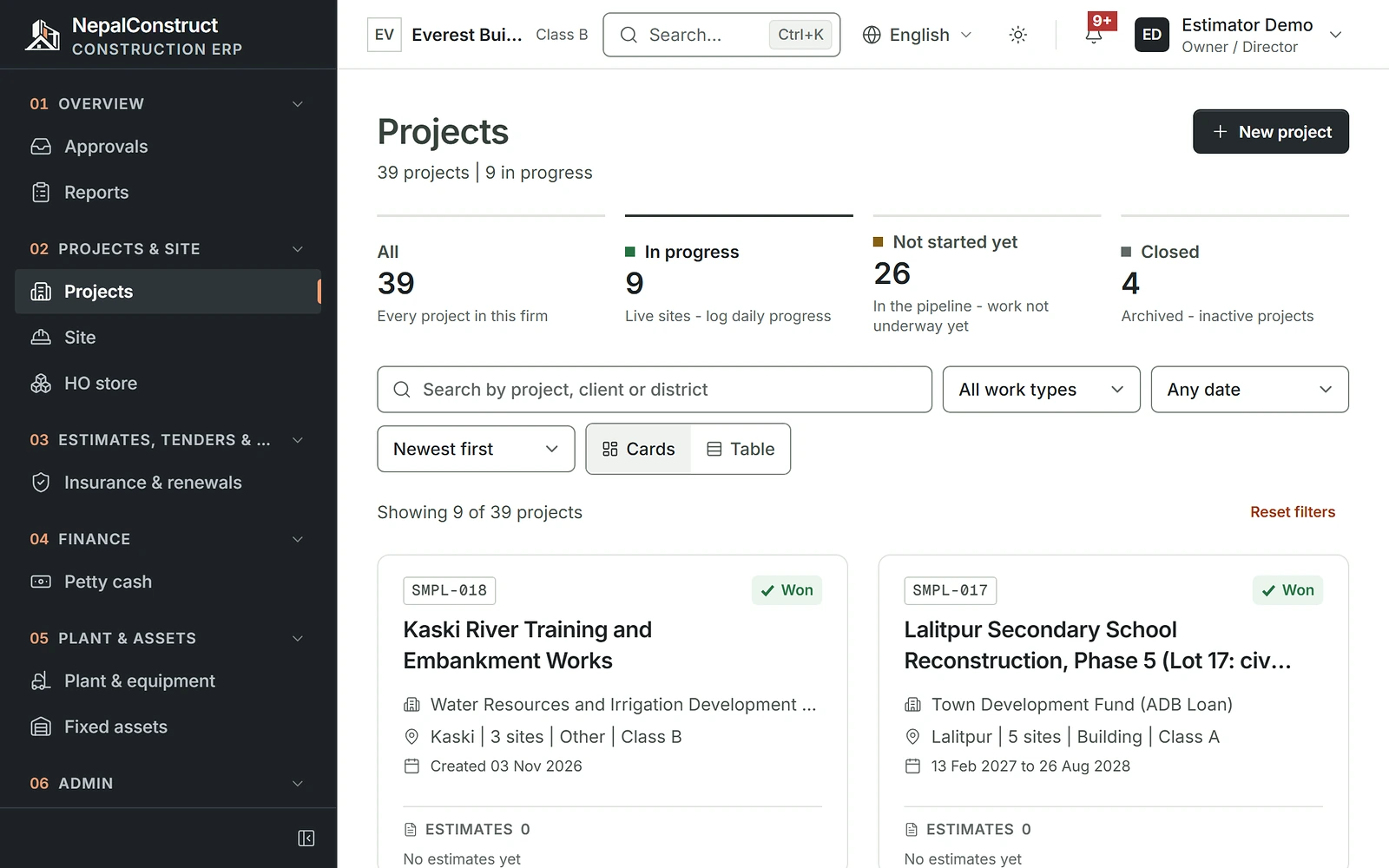
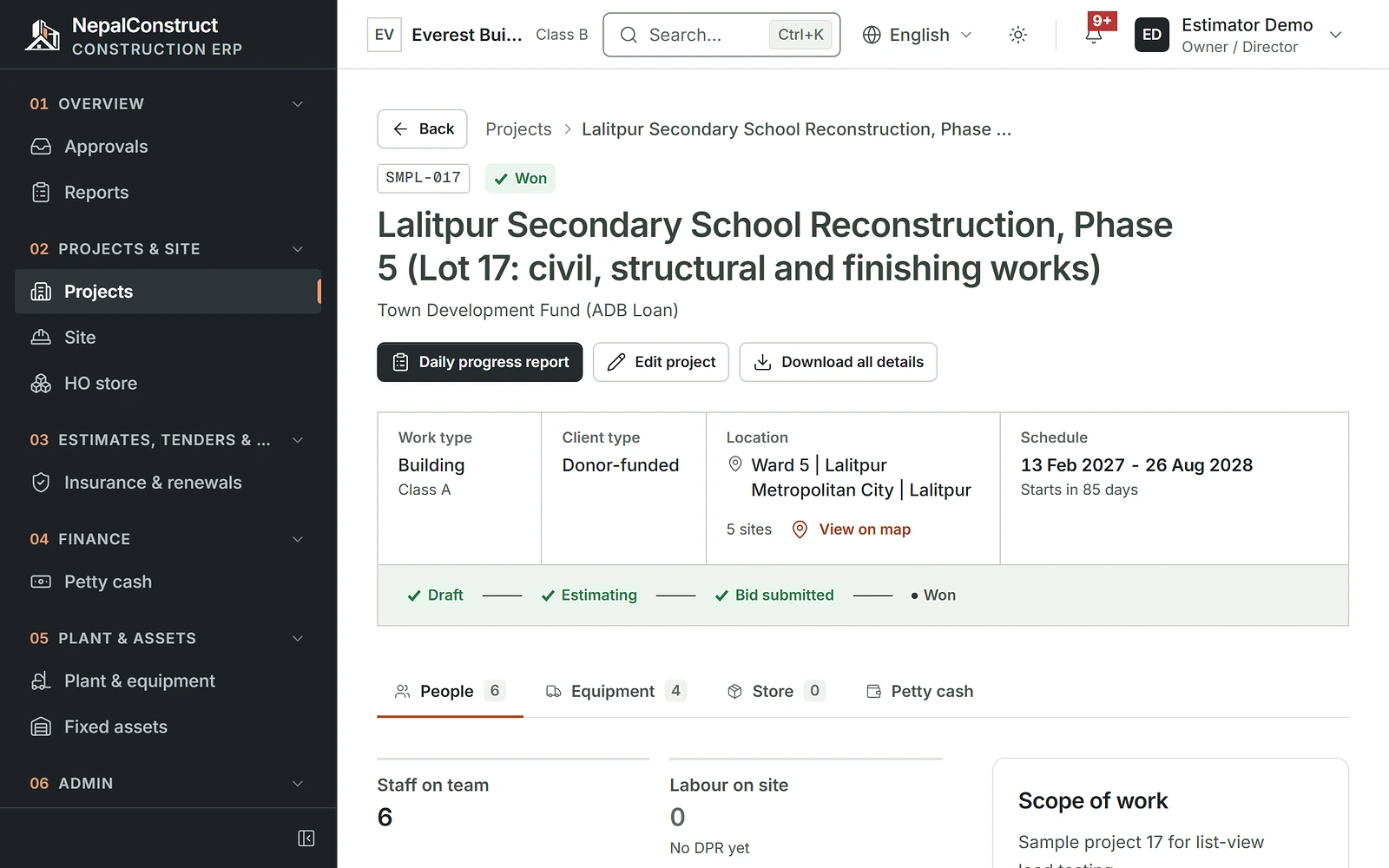
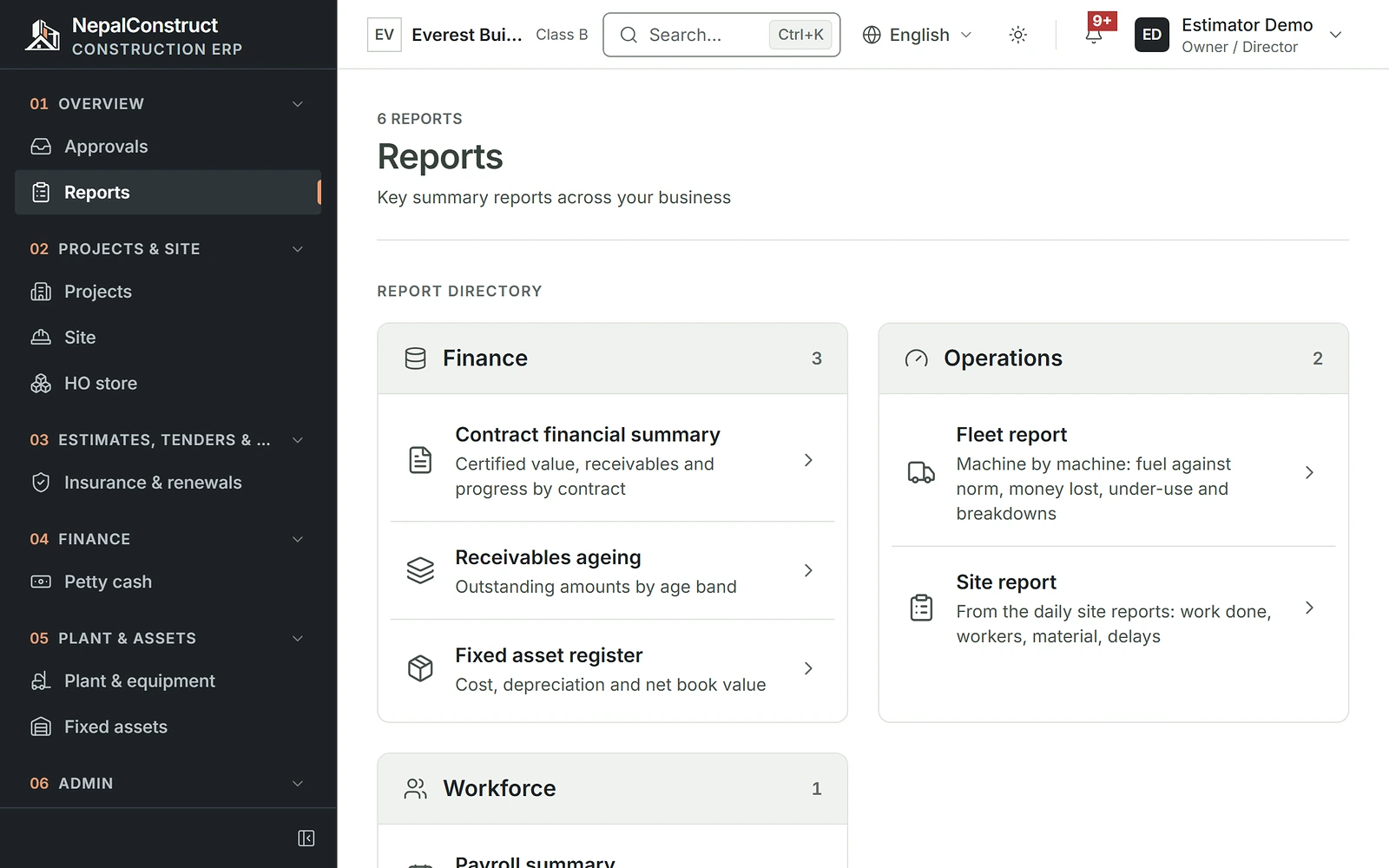
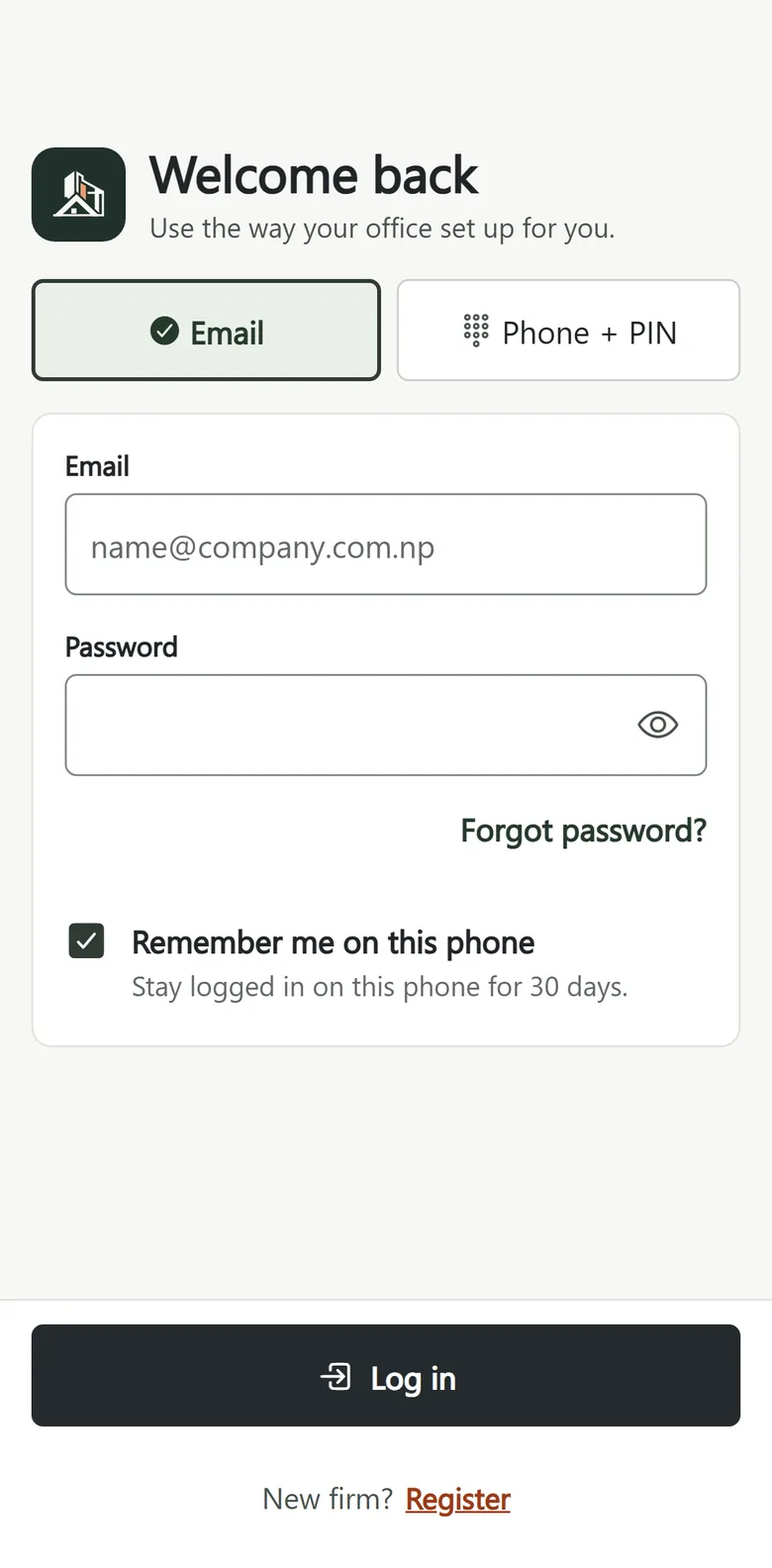
For site engineers, store keepers, drivers and owners on the move. Built for Android and iOS, Nepali by default.
Nepali contracting firms lose money in three places: on site, in measurement and in billing. Tally keeps the books but never sees the site. Excel adds up but keeps no proof.
A BOQ material budget, expected vs actual use and cost vs budget flag losses early.
SSF payroll, VAT and TDS on every running bill in the PPMO order, and VAT invoices.
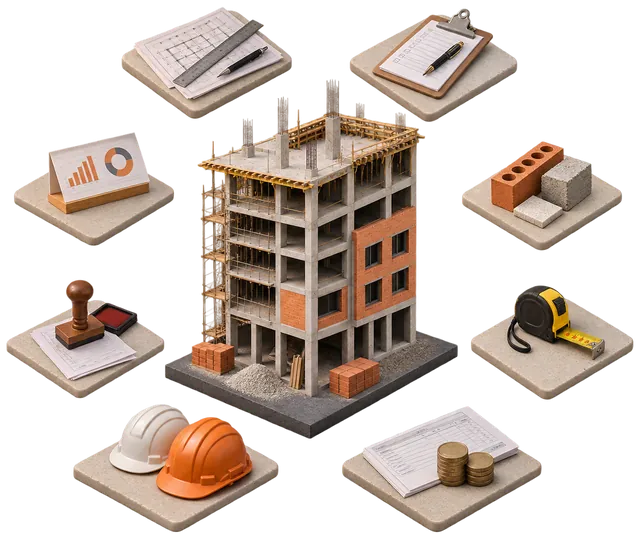
Nepali first, Bikram Sambat dates, ropani/bigha units, district rates, DUDBC and DoR norms.
Attendance, stock checks and approvals wait on the phone until the signal returns.
Build the BOQ once. The same items and rates run through the contract, site reports, the measurement book and the bill.
 Win the work
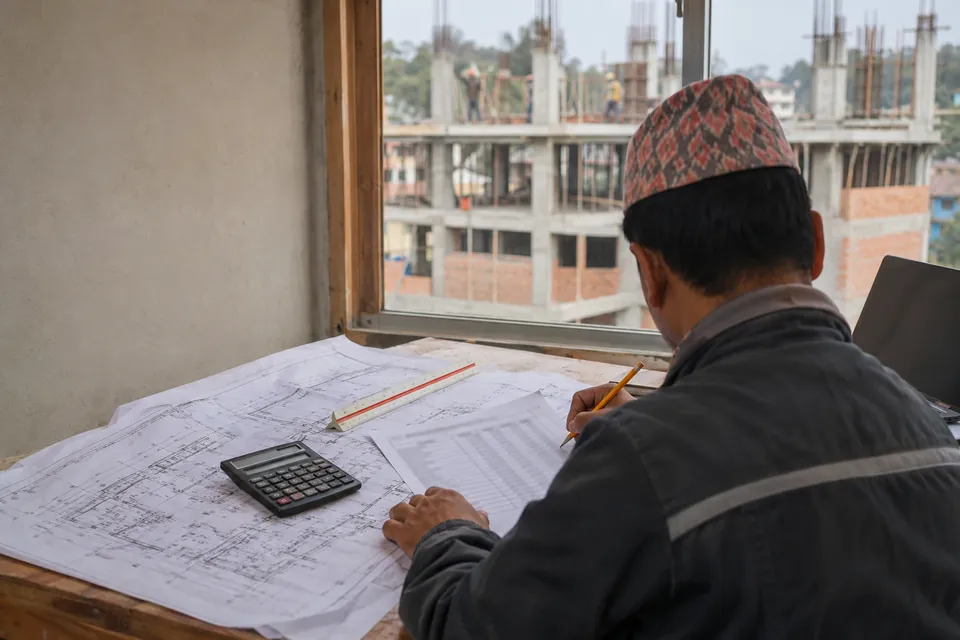
Rate analysis from district rates and DUDBC or DoR norms, the BOQ and the abstract of cost with overhead, VAT and contingency.
BOQ ready Win the work
BOQ export to CSV in the e-GP column order. Each bid is checked for eligibility, the active-project limit and abnormally low rates.
Bid submitted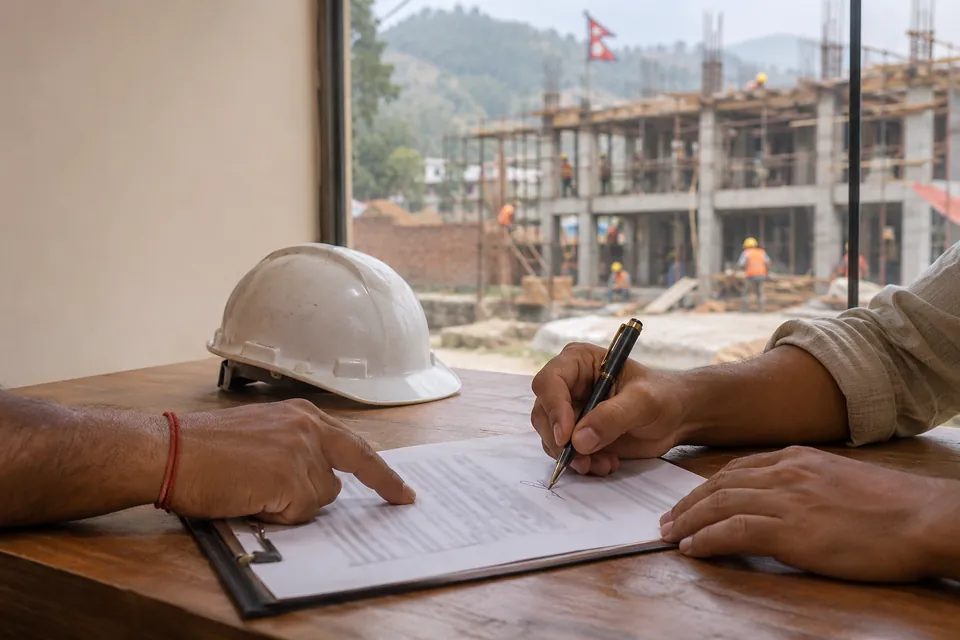 Win the work
Each contract carries its own mobilisation advance, retention, LD and price adjustment terms, with BOQ rates frozen at award.
Contract signed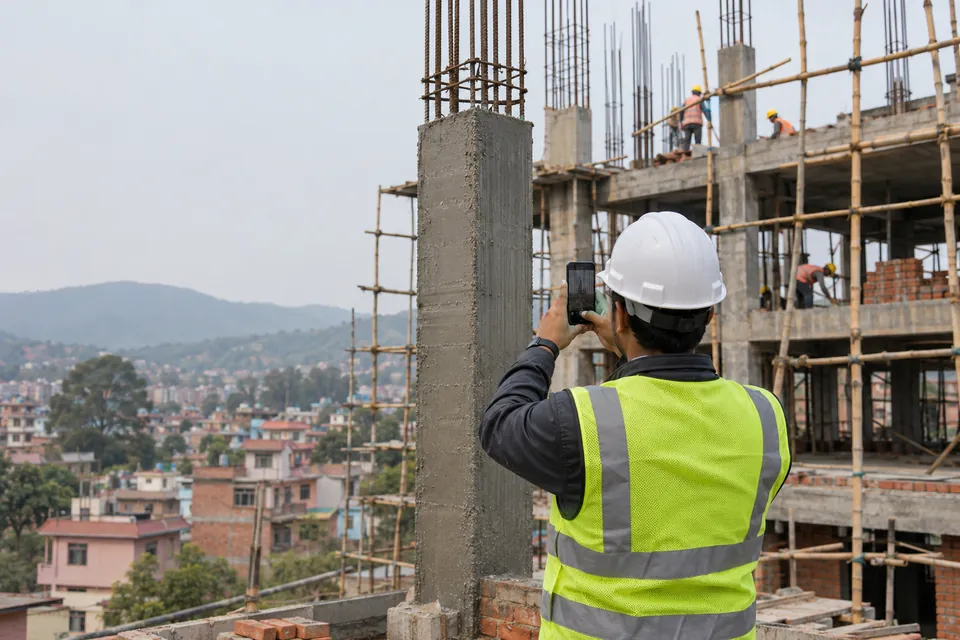 Run the site
Work, weather, labour, machines and photos from the phone, tied to the BOQ. Photos can't be swapped once sent.
DPR filed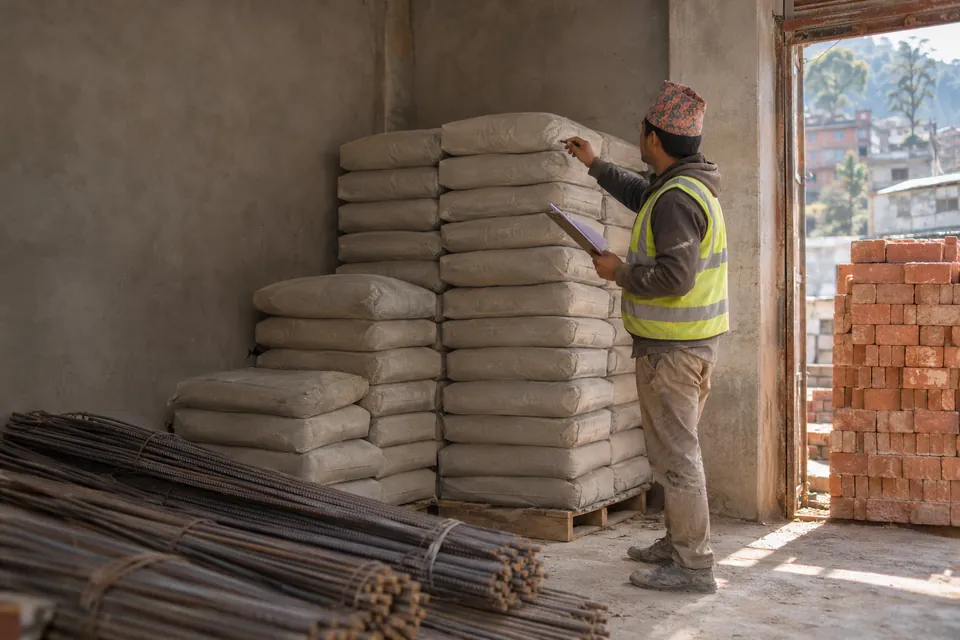 Run the site
Indent, purchase order, GRN, issue and return. What the store received is matched against what the site used.
Stock reconciled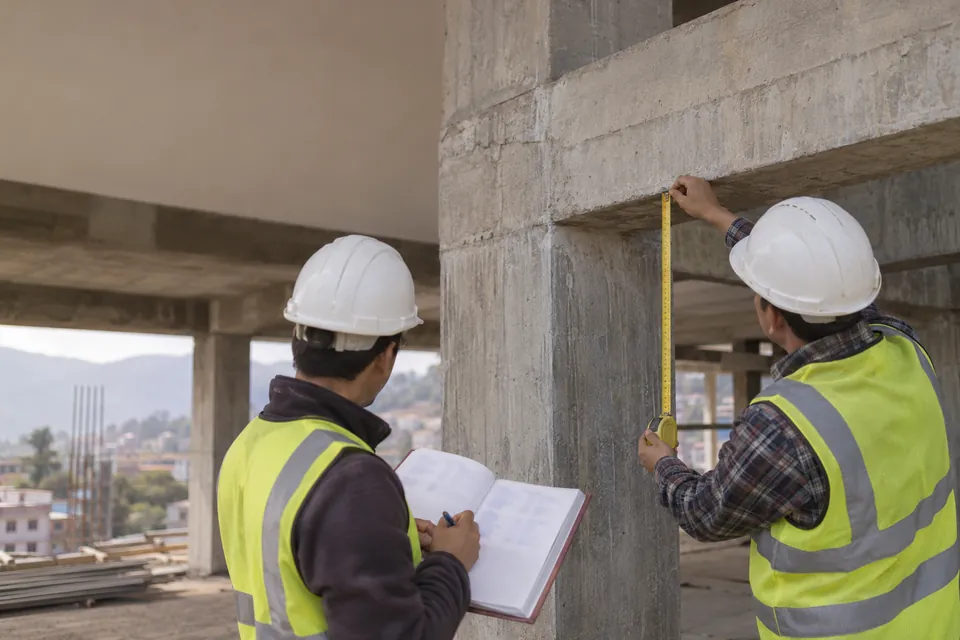 Get paid
An entry counts only when both sides sign it. A correction is a new entry; nothing is overwritten.
MB certified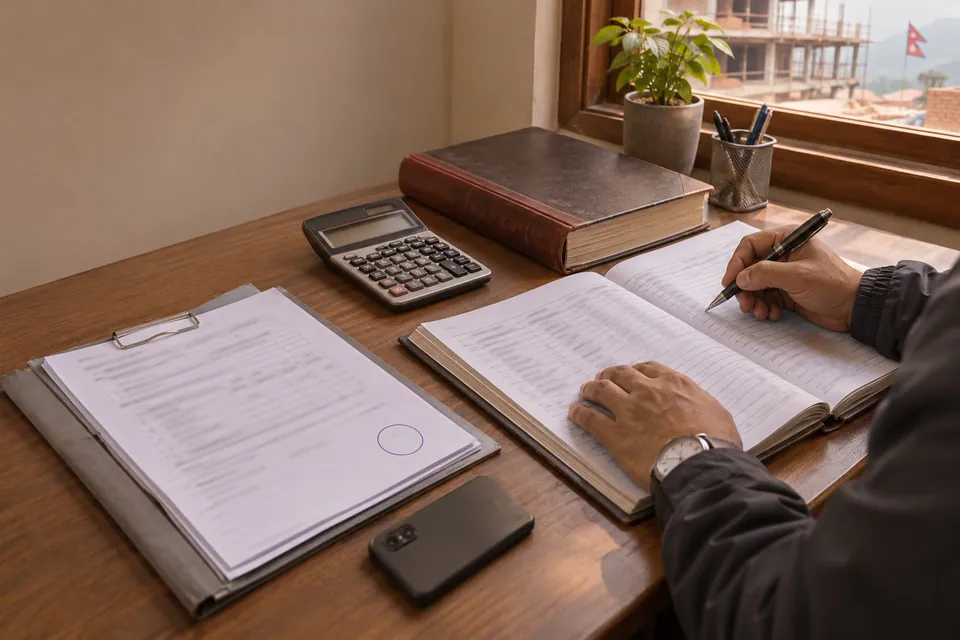 Get paid
The IPC comes straight from the measurement book, with VAT, TDS, retention and advance recovery in the PPMO order.
IPC ready to certify Get paid
Every line posts once to a double-entry ledger. Receivables ageing, cost vs budget and the tax position follow.
Books balancedPick a bill size or type your own amount, then press play. The IPC builds itself the PPMO way, accurate to the paisa.
An illustration with VAT 13%, TDS 1.5%, retention 5%, a 2% price adjustment and one fifth advance recovery. In the app every rate is a dated setting, so a rule change never rewrites an old bill.
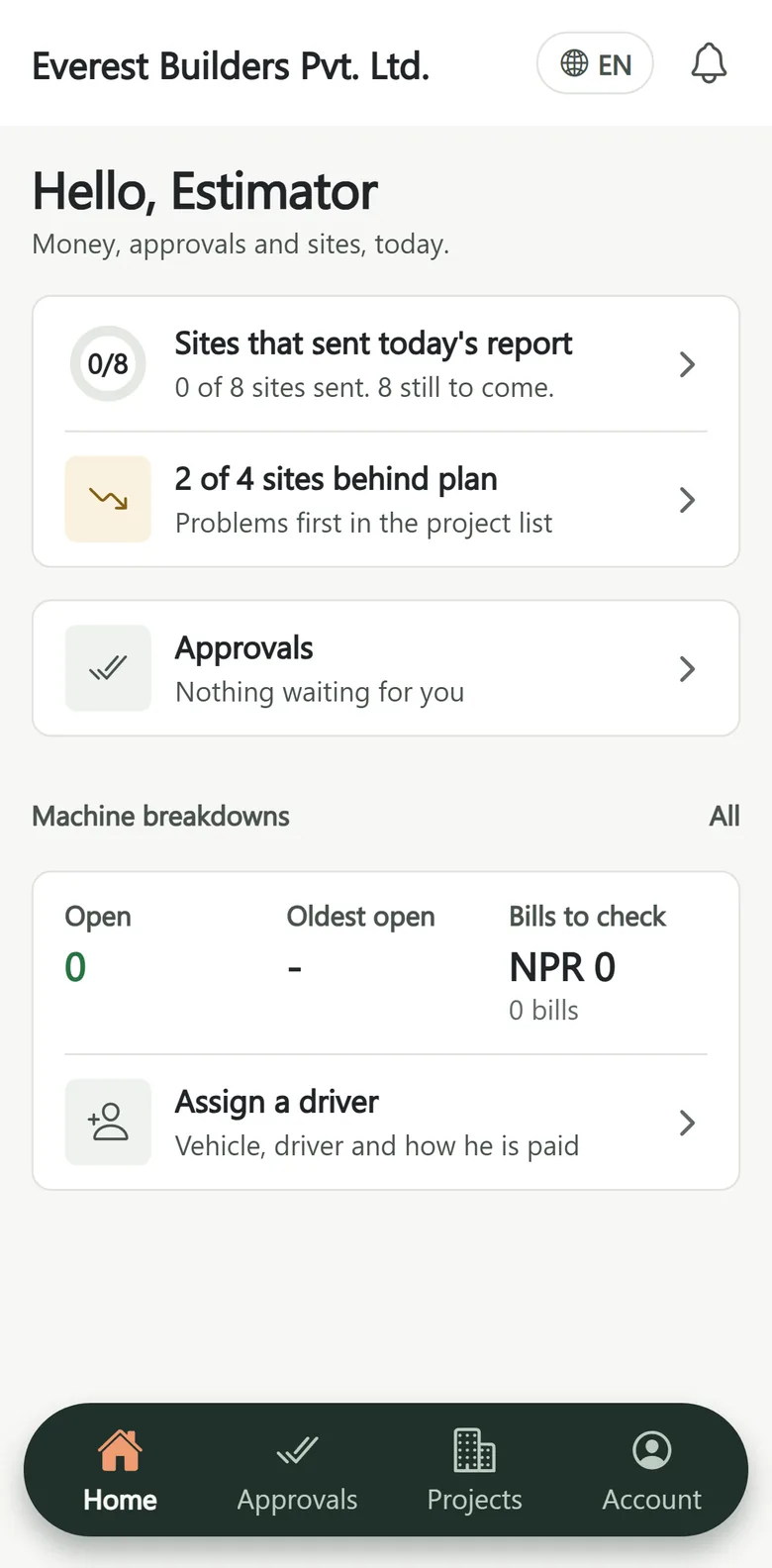
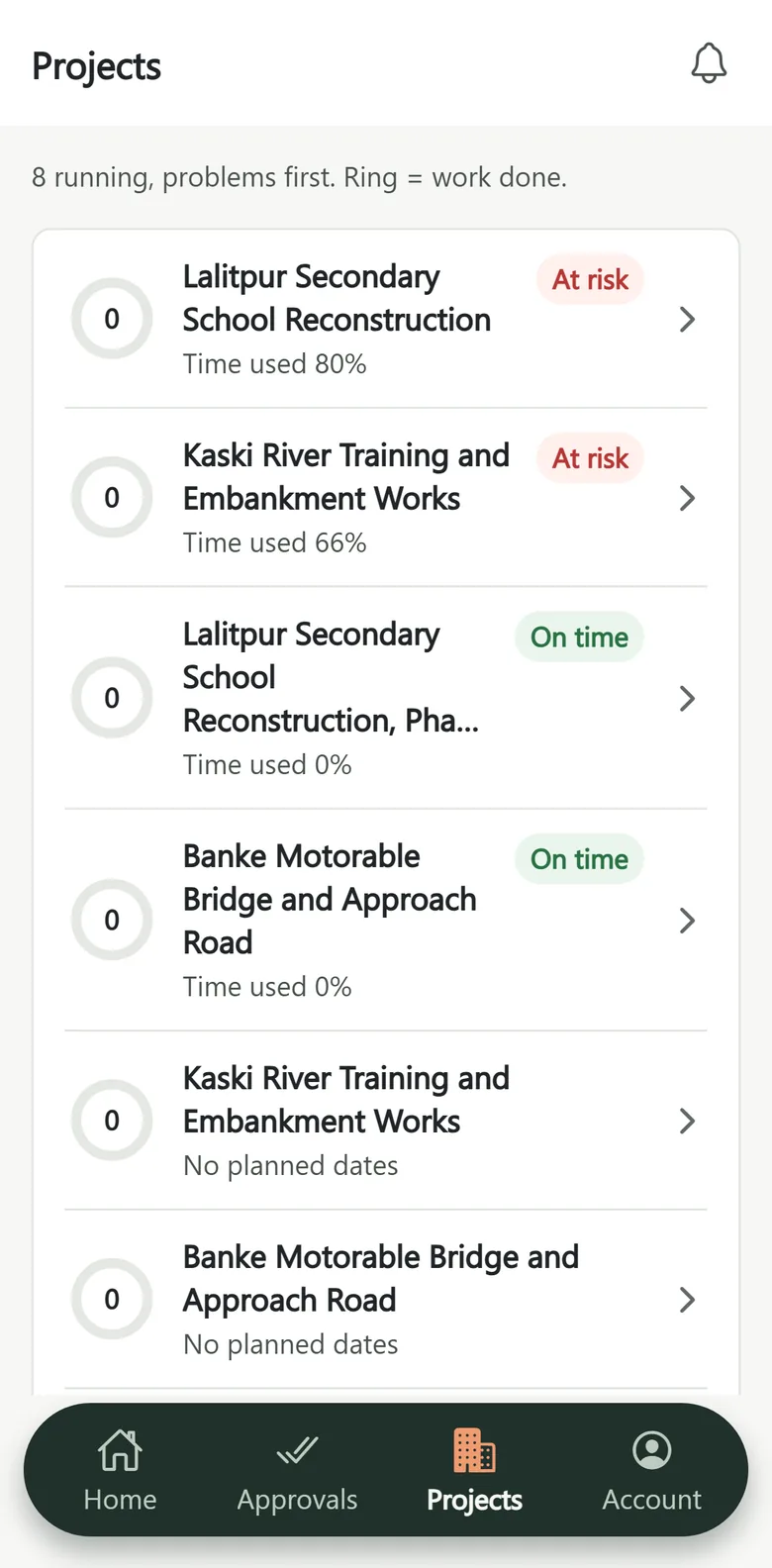
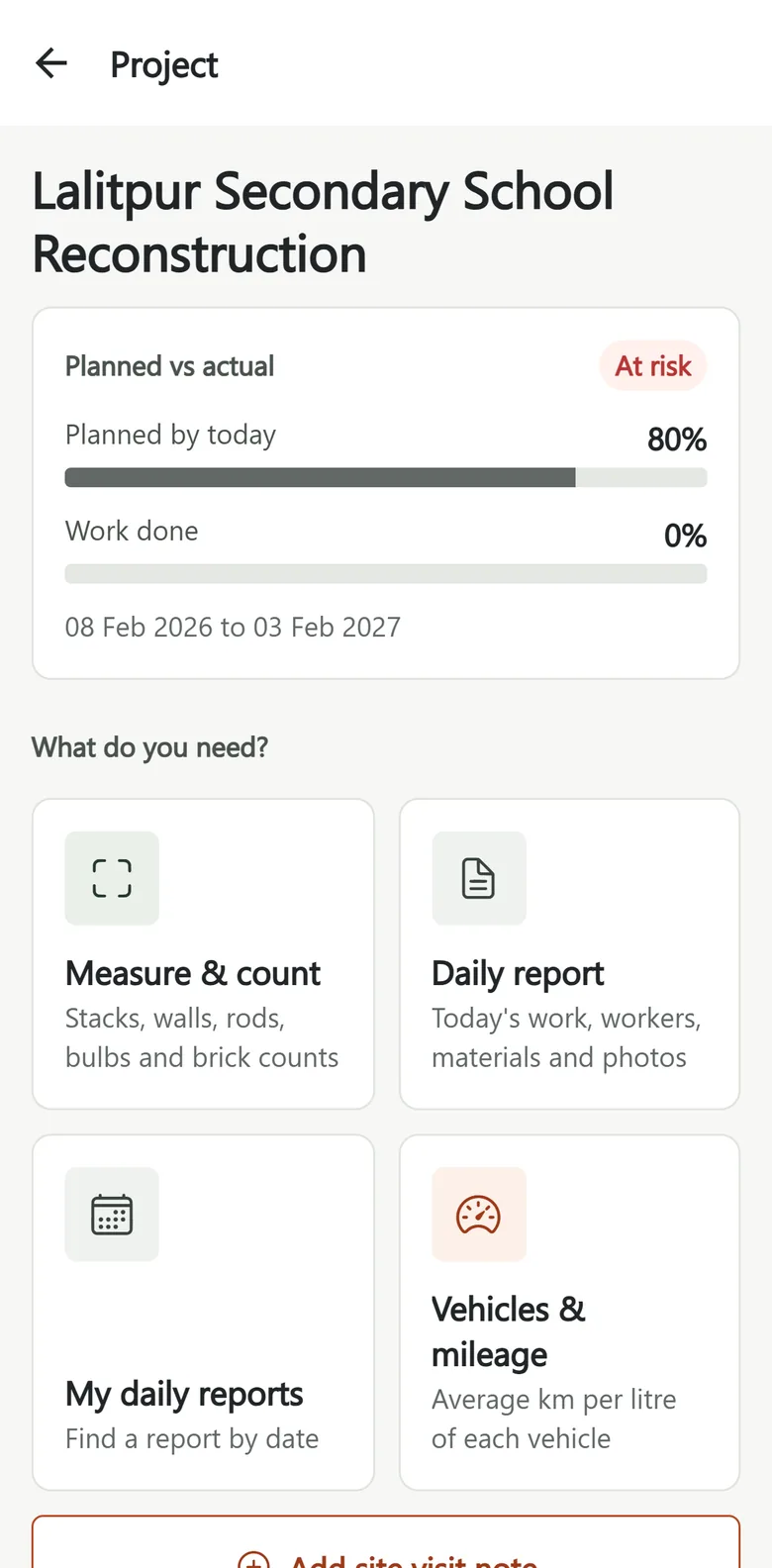
Six jobs, one shared record. Each person opens the screen for their own work, and the figures match everywhere. Screens show sample data.
See margin, costs and unpaid bills for every project on one screen.
Send the day's report from site, with photos and the BOQ work done.
Keep each project on time and inside its budget.
Price the work, then turn measured quantities into bills.
Record what comes into the store and what goes out to site.
Post bills, VAT and TDS to the books once, with every entry balanced.
The database itself limits every request to your firm's own data, on top of the app's own permission checks.
Amounts in whole paisa, double-entry, protection against double posting and an audit trail for every deduction.
Attendance, stock checks, site notes, approvals and driver logs are saved on the phone and sent when the signal returns.
Tax, rates, minimum wage and policy all carry effective dates. A rule change never rewrites past records.
One plan with every module, priced in Nepali rupees by your sites and users and quoted after a short demo. Large firms that need their own setup take Enterprise.
Plan
All eight modules, the web app for the office and the phone app for site, in Nepali and English.
Your price
In words Rupees as quoted after a short demo, only.
Set by the sites you run at the same time and the people who sign in.
Running a large firm or a group? Enterprise adds unlimited projects and users, your org structure set up with you, and a named person for support. Talk to us
A direct answer to each question, with a worked example and the primary source.
Pick a topic. Each answer says exactly what the system does.
NepalConstruct is construction management software for Nepali contractors, from Class D firms to Class A, made by Yoddha Lab. It covers estimates and BOQ, bids, site reports, the measurement book, running bills, materials, plant and SSF payroll, on the web and a phone app.
Check three things: does it follow Nepal's rules (the PPMO deduction order, VAT, TDS, SSF, Bikram Sambat dates), does the measurement book feed the running bill, and can site staff use it in Nepali. Our buying guide lists 12 questions to ask any vendor.
No. Keep Tally for the statutory books. NepalConstruct runs the project work Tally doesn't see: site reports, the measurement book, running bills, the store and material control. Each certified bill also posts to NepalConstruct's own double-entry ledger.
Yes. The web app and the phone app open in Nepali by default, and English is one click away. Dates show in Bikram Sambat on Nepali screens and in AD on English ones, fiscal years run from Shrawan to Ashadh in both, and ropani and bigha units are built in.
Yes. The IPC is built from the jointly signed measurement book, then VAT 13%, TDS 1.5%, retention, mobilisation advance recovery and LD are worked out in the PPMO order, in whole paisa. Each certified bill posts once to a double-entry ledger.
No. A running bill (IPC) certifies the work measured on a contract and works out what the client pays after deductions. The VAT tax invoice is the tax document for that amount. NepalConstruct makes the invoice from the certified bill, with a gap-free number that cannot be changed.
Yes. Import a BOQ from Excel or CSV, or build it with rate analysis: your district's rates applied to 265 DUDBC building norms and 291 DoR road and bridge norms. The BOQ exports to Excel, or to CSV in the e-GP column order.
Attendance, daily stock checks with photos, site visit notes, approval decisions and driver logs work without signal: they are saved on the phone and sent when it returns. The daily report keeps unsaved edits on the phone, but it needs a connection to send.
Yes. Payroll works out the SSF employee and employer shares on basic pay, checks each wage against the minimum wage and adds overtime, all from dated settings. The person who builds a payroll run cannot finalise it, and workers can see their own month's pay on the phone.
You set approval chains by amount for 17 kinds of document, from material requests to running bills and payroll. Whoever made or edited a document can never approve it, every decision is kept in a log that cannot be edited, and approvals can be handed to a colleague during leave.
Yes. The database limits every request to your own firm's data, and the ledgers, measurement book and approval records refuse edits and deletes. Two-step sign-in with an authenticator app is available, and you can sign out on every device at once.
There is one plan with every module, priced in Nepali rupees. The price depends on how many sites your firm runs and how many people sign in, so we quote it after a short demo. Large firms and groups that need their own setup take Enterprise.
Yes. Site engineers send the daily report with photos, foremen mark attendance, and store keepers raise material requests and run stock checks on the phone app. Goods received, issues and the measurement book are entered on the web, where the office sees the same figures.
Book a demo and ask it on your own BOQ.
Talk to usSet up your company profile, a few projects and roles, and start estimating the same day. Or book a demo and see it on a sample firm first.

The photos on this page come from Wikimedia Commons and are used under the licence shown. Some are cropped and resized.