Daily progress report app for construction sites in Nepal
The NepalConstruct phone app sends the daily progress report from site: work against BOQ items, weather, labour by trade, machine hours, materials, hindrances and photos that cannot be swapped once sent. Progress is worked out from the quantities, and each report gets a site check and a head-office sign-off. Attendance cards and daily stock checks save without signal.
Site engineers, foremen, store keepersChecked by the PM and head office
Runs on
Phone and webPhone app built for Android and iOS
Without signal
Attendance, stock checks, notesThe daily report needs signal to send
Progress
Worked out from quantitiesPer BOQ item, never typed in
01 What it does
What does site operations cover?
It does the work of the site diary, the attendance register and the store count sheet in one record on the phone, and the office reads that same record once it is sent.
01Daily report
The daily progress report, from the phone
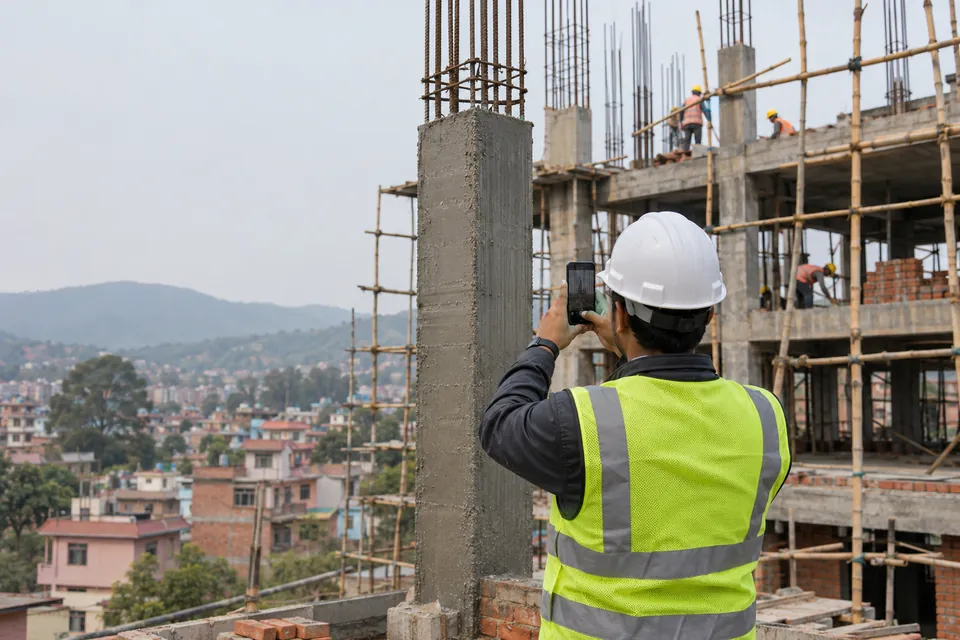
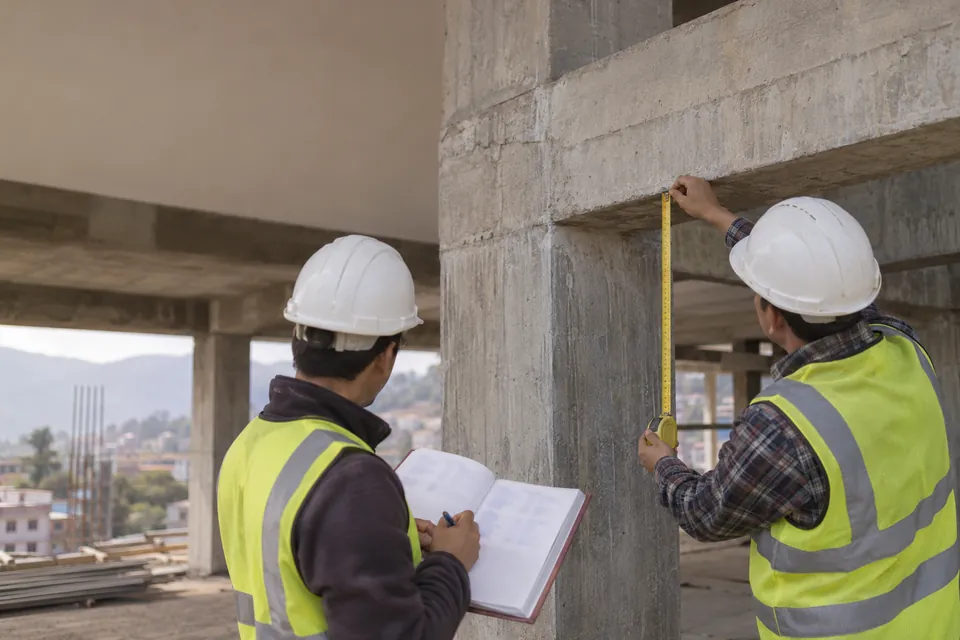
The site engineer fills in the day on the phone: work done against the BOQ items, weather, labour by trade, machine hours, materials and anything that held the work up. Unsaved edits stay on the phone if the app closes. Sending the report needs a signal, and the phone records where it was when the report went.
Photos and short videos cannot be swapped or deleted once sent
Work is logged against BOQ items, not as loose notes
ABCDEItem NoDescriptionUnitTodayTo date3.1RCC M20 in columnsm36.4044.903.6Rebar cut, bent and fixedMT0.8518.204.2Brick masonry 1:6m312.5086.00
Labour
24 on site: 6 masons, 4 bar benders, 14 helpers
Machines
Mixer 6.5 h, vibrator 4 h
Hindrance
Cement arrived 2 hours late
Day
Block B, 5 Mangsir 2083, clear. Sample data.
02Progress
Progress from quantities, then a two-step sign-off
Nobody types a progress percentage. Each BOQ item's progress is the quantity reported so far over its BOQ quantity, so it moves only when work is reported. Every report then gets a site check and a head-office sign-off, and the office reads the same figures the site sent.
Site check first, then the head-office sign-off
Progress for every BOQ item on its own
The contract's own BOQ, so site and office read the same items
Progress, BOQ item 3.1RCC M20 in columns, unit m3
aBOQ quantity64.20
bDone up to yesterday38.50
cIn today's report6.40
Done to date (b+c)44.90
dLeft to do (a - to date)19.30
Progress (to date / a)69.9%
From Block B's daily reports, 5 Mangsir 2083. Sample data.
03Stock check
A daily stock check that works without signal
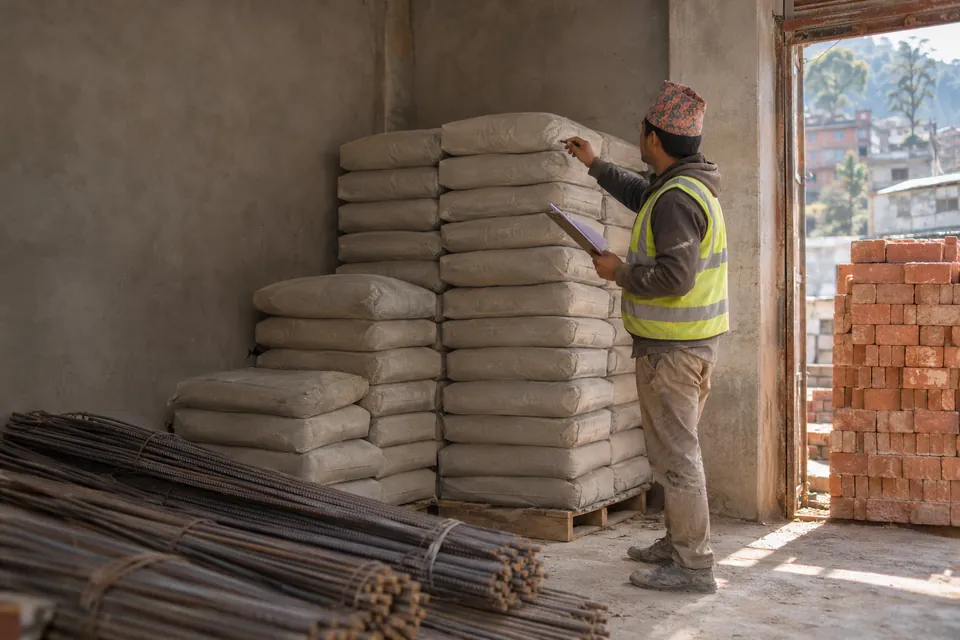
Each day the store keeper counts what is left, or measures a sand or aggregate pile in metres or feet, and adds live photos and a short video. The check saves on the phone with no signal and sends later. The system compares it with the store book and flags any gap for review.
Saved on the phone with no signal, sent when it returns
04Attendance
Attendance cards that work out the wage
The foreman marks each worker present, half day, absent or on overtime on the phone, even with no signal. The system works out the month's wage from the card, the project manager approves it, and the approved card is frozen. It is paid once, by someone other than the person who approved it.
Paid after the Rs 3,000 advance taken this month29,250
Overtime rule from labour settings. Sample data.
02 Where it fits
Where does the daily report fit in?
The daily report is where site work goes on record. Work is logged against the contract's BOQ items, and the quantities reported give the project's progress and the expected material use the store is checked against.
Win the work
Run the site
Get paid
01EstimateBOQ ready
02TenderBid submitted
03ContractContract signed
04Daily site reportDPR filed
05Materials & storeStock reconciled
06Measurement bookMB certified
07Running billIPC ready to certify
08Ledger & reportsBooks balanced
03 Step by step
How does one site day get recorded?
Six steps, from marking attendance to the head-office sign-off.
01
Mark attendance
The foreman marks each worker on the phone. With no signal, the marks wait on the phone and go when it returns.
02
Record the day's work
The site engineer adds work against BOQ items, labour, machine hours, materials, hindrances and photos. Unsaved edits stay on the phone.
03
Count the store
The store keeper counts what is left or measures the piles, with photos and a short video. This also saves without signal.
04
Send the report
Send the report once there is a signal. The phone records where it was, and the photos are locked from then on.
05
Check and sign off
The report is checked on site first, then head office signs it off. Progress per BOQ item comes from the quantities.
06
Approve the month's cards
At month end the project manager approves each attendance card. The card is frozen, and someone else pays it, once.
04 Nepal rules
Which rules does the site record keep?
The rules are built into the record, so nobody has to remember them at the end of a long day.
Nepal dates
Reports, stock checks and attendance cards run on the Nepal day and the BS month; dates show in BS on Nepali screens and AD on English ones.
Proof that stays put
Photos and videos cannot be edited or deleted once the report leaves draft.
Two-step review
Each daily report gets a site check, then a head-office sign-off.
01What is a daily progress report (DPR) in construction?
A daily progress report (DPR) is the site's record of one working day: the work done against BOQ items, labour by trade, machine hours, materials, weather and anything that held the work up. In NepalConstruct the site engineer fills it in on the phone, and it is checked on site and then signed off by head office.
02Can the daily report be sent with no signal?
Not yet. The report editor keeps unsaved edits on the phone, even if the app closes, but sending the report needs a signal. Attendance marks, daily stock checks and site visit notes do save with no signal, and they go out when the signal returns.
03Is the phone app on Google Play or the App Store?
Not yet. The site app is built for Android and iOS, but it is not listed on Google Play or the App Store today. The office side runs on the web in any browser.
04Can a photo be swapped after the report is sent?
No. Once the report leaves draft, its photos and short videos cannot be edited or deleted; the database itself blocks it. The phone also records where it was when the report was sent, so the office can see where the report came from.
05Does the stock check change the store balance straight away?
No. The system compares the count, the pile measure and the photo and video proof with the store book and flags any gap for review. The stock balance changes only after an approver signs the count off, so no count changes the store's figures by itself.
06Does attendance use face, fingerprint or location check-in?
No. The foreman marks each worker present, half day, absent or on overtime on the phone, and the marks save without signal. There is no face, fingerprint or location check-in. The control is the approval: the project manager approves the card, it is frozen, and someone else pays it.
07How is the wage on an attendance card worked out?
From the card. Full days count as one and half days as half, times the day rate; on an hourly card it is hours times the hourly rate. Overtime uses the hourly rate and the overtime rule in your labour settings. Any advance taken that month comes off, and a rate below the minimum wage is flagged.
08What should we check before choosing a site app?
Test it on your own site. Which entries keep working when the signal drops, and does the daily report itself, can photos be changed after sending, and does progress come from quantities or from a typed percentage? Also check whether anyone can approve their own entries. Our guide to choosing construction software lists the rest.