Estimates & tenders
BOQ, estimating and rate analysis software for Nepali contractors
NepalConstruct prices each BOQ item from your district's rates and the DUDBC building or DoR road and bridge norms, then adds overhead, profit, VAT and contingency to give the abstract of cost. Export the BOQ in bolpatra column order, check your bid readiness, and carry the same items into the contract and every running bill.
- Web app
- Nepali and English
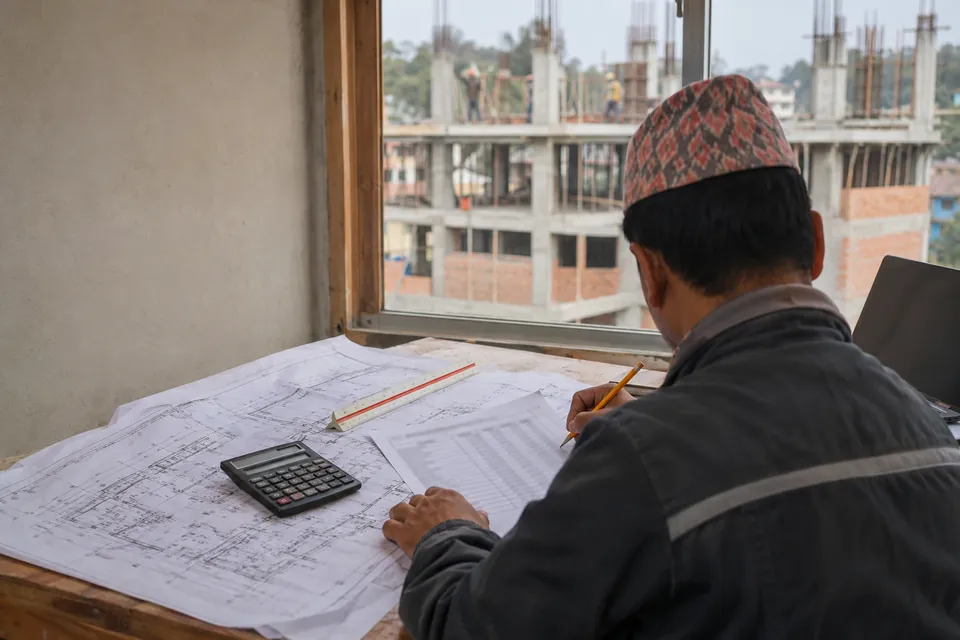
- Who uses it
- Estimators, QS, ownersProject teams see the same BOQ
- Rates from
- Your district rate sheetUploaded per district and fiscal year
- Norms
- DUDBC and DoRBuilding, road and bridge works
- Export
- CSV and ExcelCSV in bolpatra column order
What does the estimating module do?
It does the work of the district rate book, the norm book and the Excel sheet that ties them together. One wrong cell can no longer spoil the whole estimate.
Rate analysis from district rates x norms
Pick a work item and the norm gives the quantities of material, labour and equipment. Your district's rates price them, and carriage, royalty, tools and water are added the DUDBC way. Overhead and profit percentages are dated settings, not numbers typed into a cell.
- Wastage added on every material line of the norm
- A missing rate stops the estimate; nothing is priced at zero
- DUDBC building and DoR road and bridge norms built in
DUDBC norm, Kathmandu district rates, FY 2083/84. Sample data.
BOQ and abstract of cost
Group the BOQ by section, price every line, and the abstract of cost adds VAT and any contingency you set. It also gives the figure a bid is compared on, which leaves out VAT, provisional sums, PC sums and contingency.
- Unpriced items listed before you submit
- Measured work, dayworks, provisional and PC sums kept apart
- VAT rate read from dated tax settings
Grand total, Lalitpur school building
Rs2,86,28,800
- Total of BOQ items
- 2,46,80,000
- VAT 13%
- 32,08,400
- Contingency 3%
- 7,40,400
Bid comparison figure, without VAT, provisional and PC sums2,40,30,000
Sample data
Import from a sheet, export for the bid
Bring an existing BOQ in from an Excel or CSV sheet instead of typing it again. Every row is checked before anything is saved, and importing the same sheet twice never duplicates an item. Export the finished BOQ to CSV in bolpatra column order, or to Excel.
- Columns: Item No, Description, Unit, Quantity, Rate, Amount
- District rate sheets uploaded with a preview first
- Files: .xlsx, .xlsm, .ods and .csv
- Import from
- .xlsx .xlsm .ods .csv
- Export to
- CSV in bolpatra order, Excel
Bid readiness before you submit
Before a bid goes in, a red, amber and green check covers your licence, PAN, VAT registration, tax clearance, e-GP registration and NEC engineers. A red item blocks the bid. You are also warned when your quote is more than 30% below the estimate, and when the firm is at the five active project limit.
- Expiry dates of the firm's papers in one place
- Abnormally low quote flagged
- Five active project limit checked
School building, contract 12/083-84
- Contractor licenceValid
- PANValid
- VAT registrationValid
- Tax clearanceExpires in 12 days
- e-GP registrationValid
- NEC engineersValid
Quote 32% below the estimate: abnormally low
Active projects: 4 of 5
How is an estimate built, step by step?
Six steps from an empty estimate to a bid you can upload.
- 01
Set the district and fiscal year
The estimate prices against the project's district, or your home district. Rates come from that district's sheet for the fiscal year.
- 02
Build or import the BOQ
Add the sections and items, or bring in a BOQ you already have from an Excel or CSV sheet. Every row is checked before it is saved.
- 03
Run the rate analysis
Each item gets its rate from the norm quantities and your district rates, with wastage, carriage, royalty, overhead and profit.
- 04
Read the abstract of cost
The BOQ total, VAT, any contingency and the grand total, plus the figure the bid is compared on.
- 05
Check bid readiness
Licence, PAN, VAT, tax clearance, e-GP registration and NEC engineers are checked, with warnings for a very low quote and the active project limit.
- 06
Export and upload
Export the BOQ to CSV in bolpatra column order and upload it on the e-GP portal yourself.
What changes compared with Excel?
The same estimate, done two ways.
| Topic | Excel and the rate bookTyped and checked by hand | NepalConstructWorked out from settings and norms |
|---|---|---|
| Rates | Copied by hand from the district rate book | Read from the district sheet you uploaded for that fiscal year |
| A missing rate | A blank cell prices the item at zero | The rate analysis stops and shows an error |
| Overhead, VAT, contingency | Typed into formulas, easy to overwrite | Dated settings the estimate reads, not typed numbers |
| The bid form | BOQ typed again in the e-GP column order | Exported to CSV in bolpatra column order |
| Licence and tax papers | Checked from memory or a folder | A red, amber and green check before the bid |
Where does it fit in the whole job?
The estimate is step one. Its items and rates carry on to the contract, the measurement book and the running bill, so nothing is typed twice.
Win the work
- EstimateBOQ ready
- TenderBid submitted
- ContractContract signed
Run the site
- Daily site reportDPR filed
- Materials & storeStock reconciled
Get paid
- Measurement bookMB certified
- Running billIPC ready to certify
- Ledger & reportsBooks balanced
Which Nepal rules does it follow?
Rates, norms and tax all live in dated settings, so a rule change never rewrites an old estimate.

- DUDBC norms
- Building and civil work norms of the Department of Urban Development and Building Construction.Guide: How rate analysis works in Nepal
- DoR norms
- Road and bridge work norms of the Department of Roads.
- District rates by fiscal year
- Each district's rate sheet is kept per fiscal year.
- Bolpatra column order
- The BOQ export follows the column order of e-GP bid documents.Guide: BOQ format in Nepal
- VAT from dated settings
- The VAT rate comes from dated tax settings, never a typed number.
- PPMO bid comparison
- The figure a bid is compared on, without VAT, provisional and PC sums.Guide: e-GP registration and bidding
Who uses it?
One BOQ, three people's work.
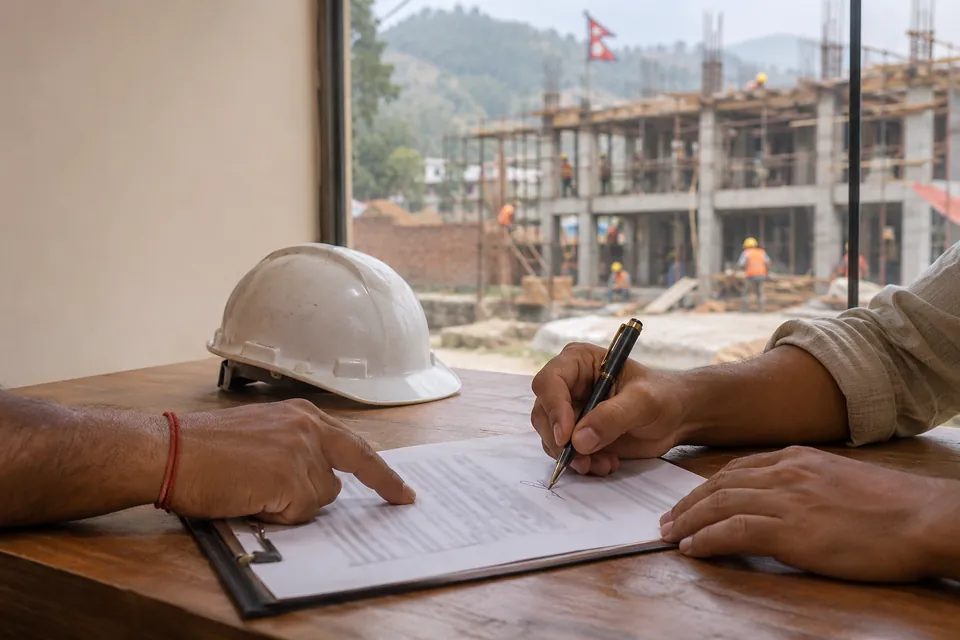
Quantity surveyor / estimator
Builds the rate analysis and the BOQ, then prepares the bid.
See the role pageCompany owner / MD
Checks the bid figure and the readiness check before signing.
See the role pageProject manager
Runs the site from the same BOQ items once the work is won.
See the role page
Questions people ask
Short answers, about what is built today.
01Can NepalConstruct do rate analysis with DUDBC norms?
Yes. The DUDBC building and civil norms and the DoR road and bridge norms are built in. You upload your district's rate sheet for the fiscal year, and each work item is priced from those rates with wastage, carriage, royalty, overhead and profit.
02Are district rates for all 77 districts included?
No. You upload the rate sheet your district publishes for the fiscal year, and the upload shows a preview before anything is saved. Rates are kept per district and fiscal year, so you can price estimates in more than one district.
03Can I import an existing BOQ from Excel?
Yes. Import a BOQ from an .xlsx, .xlsm, .ods or .csv file. Every row is checked before anything is saved, and importing the same sheet again never duplicates items. You can export the finished BOQ to Excel, or to CSV in bolpatra column order.
04Does it submit my bid to e-GP?
No. NepalConstruct prepares and checks the bid and exports the BOQ in the column order e-GP uses, but you upload it on the e-GP portal yourself. It does not log in to e-GP or submit for you.
05What happens if a rate is missing?
The rate analysis stops with an error. The item is never priced at zero, so a forgotten material or wage cannot quietly lower your bid.
06Does it work out bid capacity from turnover?
Not yet. Today it checks your licence, tax and registration papers, warns when a quote is more than 30% below the estimate, and checks the five active project limit. Bid capacity from average turnover is planned. Our bid capacity guide explains the formula.
We answer against how your firm works.
Ask us